
Why Virtual Servers Have Become the Foundation of Modern Infrastructure

Virtual servers are no longer a niche product for system administrators. Today, they are a convenient and flexible platform for projects of any scale — from small websites to corporate systems. VPS/VDS provides full control over the environment, guaranteed resources, and independence from neighboring users — exactly what shared hosting lacks.
Historically, VPS and VDS differed in the type of virtualization used. VPS was more often based on container systems such as OpenVZ and Virtuozzo, which shared a common OS kernel and had configuration limitations. VDS ran on hardware virtualization technologies such as KVM, Xen, VMware ESXi, and Hyper-V. With these hypervisors, each machine receives full virtual CPU cores, independent drivers, and resource isolation.
Today, the difference between VPS and VDS has almost disappeared — in practice, these terms are treated as synonyms, and the actual characteristics depend entirely on the hypervisor rather than the service name. KVM-based solutions perform best: they provide fair resource allocation, high compatibility with Linux and Windows, and behavior very close to a dedicated server. Xen, VMware, and Hyper-V also ensure full isolation, but KVM has become the standard for modern platforms due to its reliability and performance.
How a Virtual Server Works
A VPS is created on a physical server using a hypervisor that divides the machine’s capacity into independent virtual environments. Each instance is allocated CPU cores, memory, and disk space. These resources belong to a specific client and are not affected by the load of other projects. The user receives a full operating system with root access, a dedicated firewall, logs, and configuration settings.
This allows the system to be configured according to a specific architecture. You can choose Linux or Windows, install control panels, databases, application servers, container platforms, and any additional infrastructure. Essentially, a VPS is a mini server rack assembled within a single physical node.
Difference Between a Virtual Server and Shared Hosting
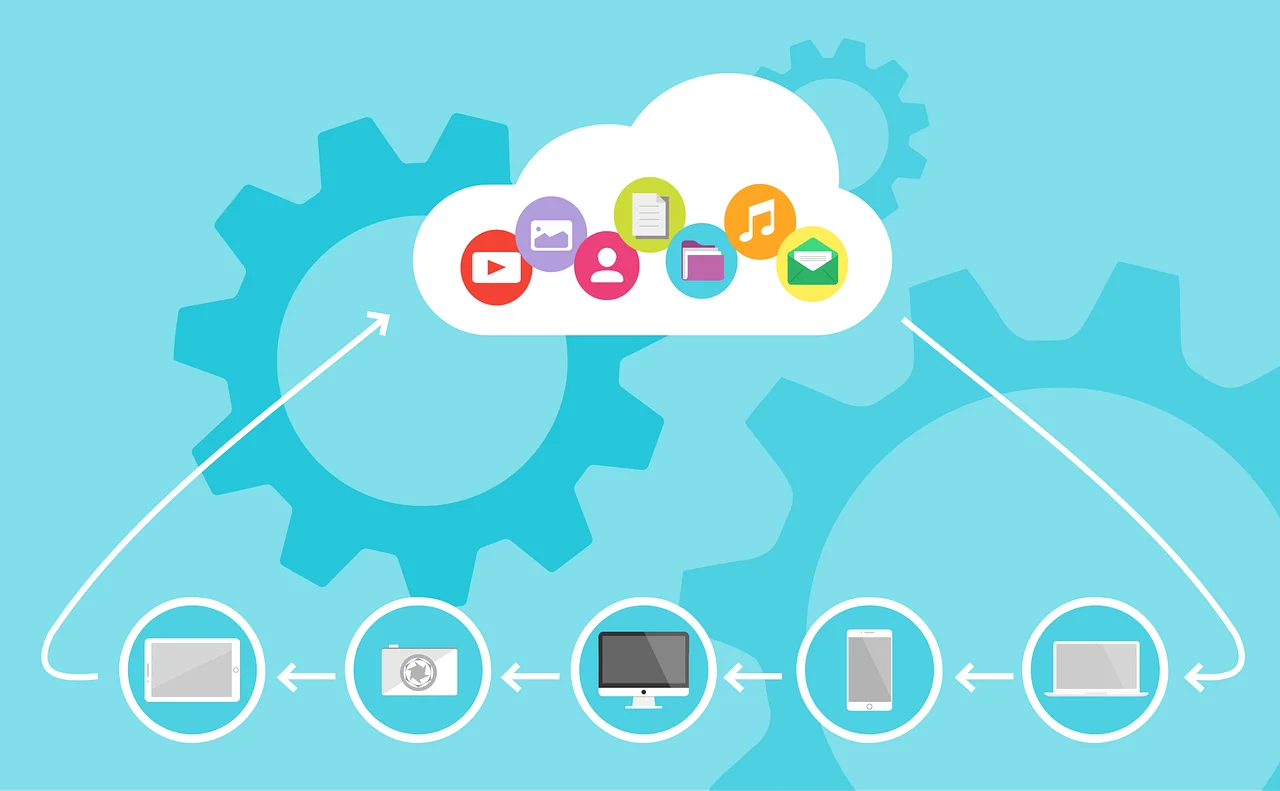
Shared hosting is a single server divided among dozens or hundreds of websites. All clients use shared resources and operate within a predefined configuration set by the administrator. Customizing the environment to meet specific requirements is not possible: access is restricted, and the load from neighboring sites affects overall performance.
A VPS works differently. A virtual server receives dedicated CPU, RAM, and disk resources that belong exclusively to the owner and are not shared with other projects. The environment is fully customizable: you can choose the OS, install databases, modify network rules, and build infrastructure tailored to specific tasks.
Key differences:
- shared hosting uses common resources — VPS provides guaranteed resources independent of other projects;
● shared hosting offers a fixed environment — VPS allows you to choose any OS, packages, control panels, and databases;
● shared hosting does not provide root access — VPS gives full system access;
● shared hosting resources are strictly limited — VPS resources can be scaled within the same server;
● shared hosting runs in a common environment — VPS is isolated by a hypervisor, and external processes do not affect it.
Shared hosting is suitable only for projects with minimal resource and configuration requirements.
Differences from a Dedicated Server
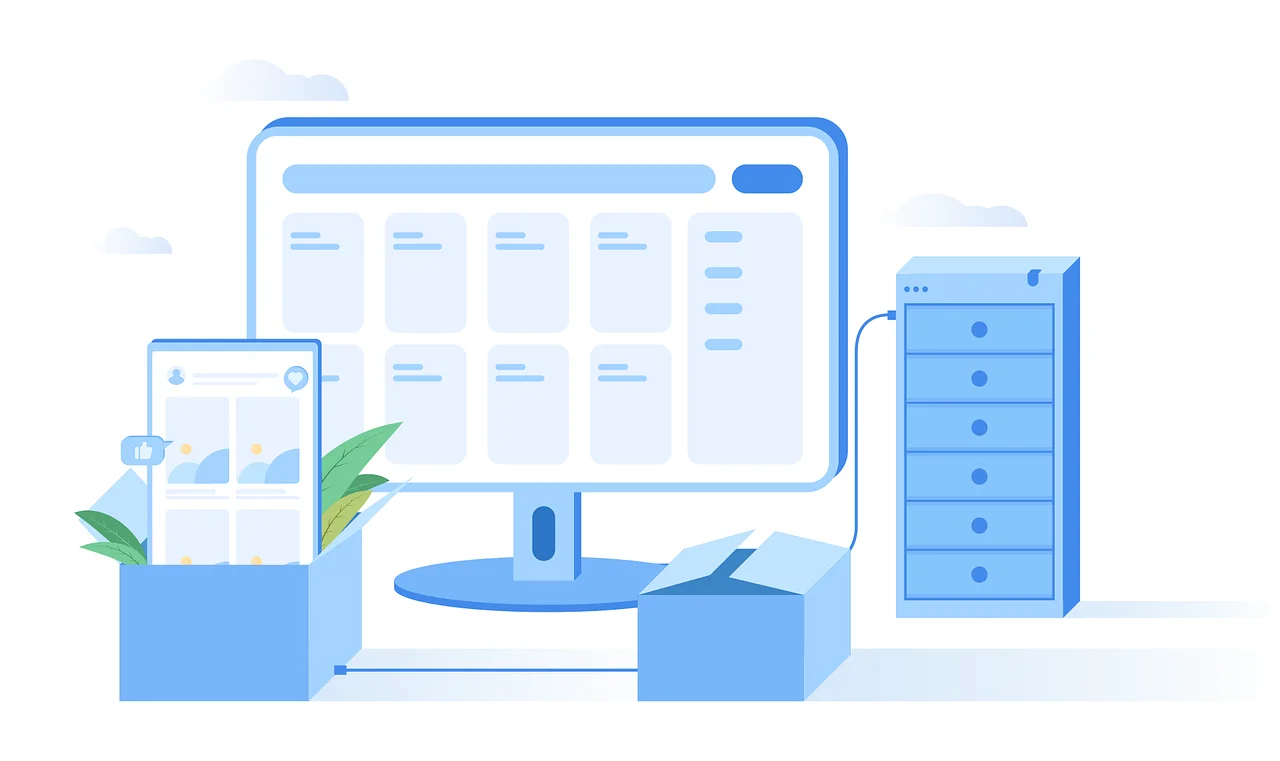
A dedicated server is a physical machine fully assigned to one client: real CPU cores, RAM, disk subsystem, network interfaces, and drivers. There is no virtualization layer, so performance is maximised: CPU operations are executed directly, I/O passes without a hypervisor layer, and latency is minimal. This option provides full hardware control but is more expensive, requires maintenance, and is not suitable for everyone.
A VPS takes an intermediate level:
- VPS resources are allocated portions of CPU, RAM, and disk isolated by a hypervisor; performance is lower than dedicated but significantly higher than shared;
● VPS parameters can be increased without hardware intervention — CPU, memory, and disk scale within the virtual machine;
● the cost is lower — you pay only for the required resources rather than the entire hardware configuration;
● deployment time is minimal — a hypervisor launches a virtual server within minutes, while preparing a dedicated server requires hardware provisioning and initialization.
If a project reaches the limits of a virtual server — for example, when dedicated physical cores, high disk performance, or NUMA configurations are required — migration to a dedicated machine is necessary. However, such cases are rare: for most tasks, modern VPS capabilities are more than sufficient.
Common Use Cases for VPS
Virtual servers are used for projects that require dedicated resources, custom configuration, and isolation.
Typical VPS deployments include:
- high-traffic or complex websites — online stores, SaaS platforms, portals;
● small to mid-sized CRM and ERP systems with moderate databases and limited active users;
● API gateways, backend services, and microservices;
● databases, caches, and message queues with standard workloads — PostgreSQL, MySQL, Redis, RabbitMQ;
● container environments and CI systems — Docker, GitLab CI, Jenkins;
● VPN gateways, analytics, and monitoring services.
Heavy enterprise ERP systems and workloads with high CPU or I/O demands are usually deployed on dedicated servers, where direct access to hardware resources and maximum disk performance are critical.
How to Choose a Virtual Server Provider
When evaluating a provider, it is important to focus not only on pricing plans but also on the technical platform: the virtualization technology used, how resources are allocated, and what management tools are available:
- virtualization type and proper resource allocation — KVM or another hypervisor with isolation and no overselling;
● operating system selection — up-to-date Linux and Windows images;
● control panels — free and commercial options for server administration;
● additional IP addresses — ability to expand the pool and support IPv4/IPv6;
● backup solutions — backup frequency, recovery scenarios, off-site storage;
● locations and network — data center geography, bandwidth, latency, and DDoS protection.
A reliable provider allows you easily scale resources as your project grows.
You can purchase a reliable VPS/VDS or dedicated server on our website.